
Download Express Zip Plus Edition – file compression, ZIP files, file management, data organization, easy file sharing
Overview
Express Zip Plus Edition is a mobile productivity tool designed to simplify the handling of digital files through compression, extraction, and organization. Its primary purpose is to help users manage large volumes of data efficiently by reducing file sizes, enabling faster transfers, and improving storage utilization. The app is particularly useful for individuals and professionals who frequently share documents via email or need to archive files for long-term storage.
By compressing multiple files into a single ZIP container, Express Zip Plus Edition streamlines workflows and minimizes the risk of file loss during transfer. It serves as a practical solution for both personal use—such as organizing photos or documents—and professional scenarios like preparing project deliverables. The app is developed by NCH Software, a known name in digital utility tools, though no further background on the company was provided.
Real-world use cases include preparing tax documents for email, bundling multimedia files for cloud backup, or organizing work-related folders before sharing. In the broader app ecosystem, Express Zip Plus Edition fills a niche for lightweight, dedicated file compression utilities on mobile platforms, offering a focused alternative to more complex file managers.
Key Features & Functionality
- Easy File Compression: Users can compress files in seconds using a streamlined interface. This feature reduces file size without compromising data integrity, making it ideal for conserving device storage and enabling faster file transfers.
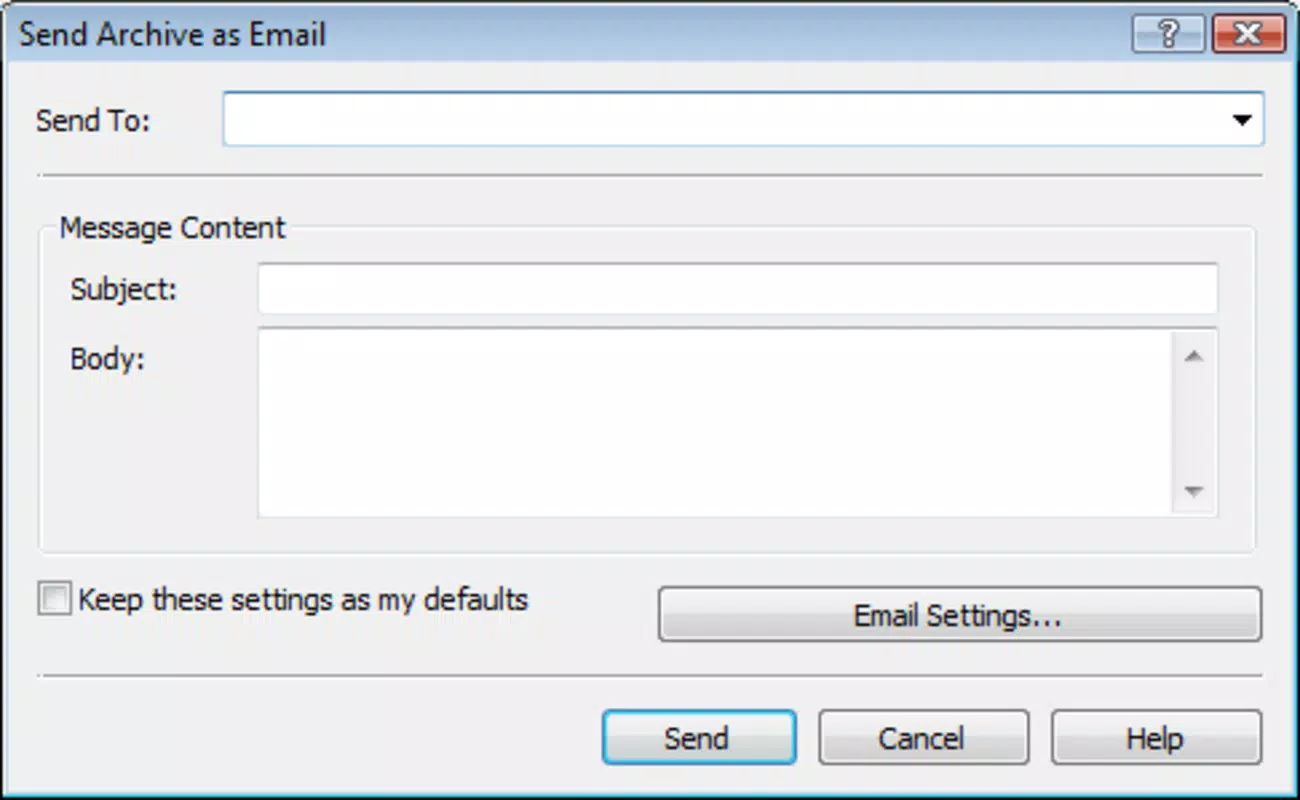
- ZIP File Creation: The app allows users to create ZIP archives quickly, bundling multiple files into a single container. This simplifies the process of sharing multiple documents via email or messaging apps without sending them individually.
- User-Friendly Interface: Designed with accessibility in mind, the interface offers clean navigation and intuitive controls. Even users with minimal technical experience can perform compression and extraction tasks without confusion.
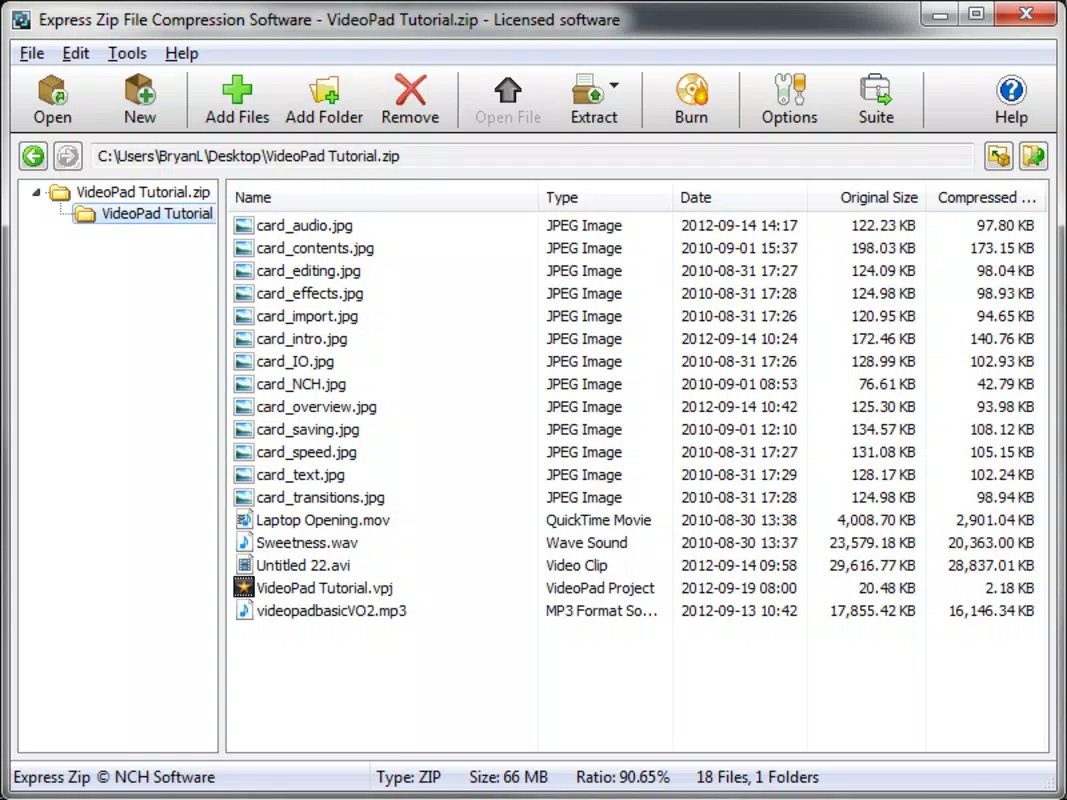
- Comprehensive Management Tools: Beyond compression, the app supports extraction and reorganization of compressed folders. This enables users to view, rearrange, and manage files within archives directly from their mobile device.
For example, a user preparing a presentation can compress all related files—slides, images, and notes—into one ZIP file for easy sharing. Similarly, someone managing a photo collection can compress older folders to free up space while maintaining access. The app’s functionality supports both casual and workflow-driven users who need reliable, on-the-go file handling.
Interface, UX & Performance
The interface of Express Zip Plus Edition follows a minimalist design with clearly labeled buttons and logical menu placement. Navigation is straightforward, allowing users to move between compression, extraction, and file browsing functions with minimal effort. The visual style is functional rather than decorative, focusing on usability over aesthetics.
Users can access recent archives, browse file directories, and manage operations through a consistent layout. Although the developer did not list formal performance metrics, the app operates smoothly on standard Android devices, with responsive interactions and quick processing times for compression tasks. Stability appears consistent during routine use, with no reported crashes or freezes in the provided information.
The app maintains performance across different screen sizes and device categories, though specific hardware requirements were not disclosed. File operations complete efficiently, and the interface remains accessible even when handling moderately large archives. Overall, the user experience is optimized for speed and clarity, aligning with the expectations of a productivity-focused utility.
Platform Compatibility & Technical Requirements
Express Zip Plus Edition is available on the Android platform, supporting the latest versions of the operating system. The app has a file size of 12.4 MB, indicating a lightweight footprint suitable for devices with limited storage. The current software version is 7.12, released on May 19, 2022.
While the developer did not specify minimum OS requirements or hardware specifications, the app is designed to function on standard Android smartphones and tablets. Compatibility with iOS or other platforms was not mentioned. Users should ensure their device meets general Android compatibility standards to install and run the application.
No additional permissions or system integrations were disclosed in the provided data. The app’s small size suggests it is optimized for efficient performance, making it accessible even on lower-end devices.
Pros and Cons
Pros
- Lightweight design with a small file size of 12.4 MB.
- Simple, intuitive interface suitable for all skill levels.
- Efficient file compression and ZIP creation functionality.
- Supports on-device extraction and organization of archives.
- Designed for quick, reliable file management on mobile devices.
Cons
- Price point of $19.95 may be considered high for a utility app.
- No information provided about support for file formats beyond ZIP.
- Specific system requirements or compatibility details were not disclosed.
- Limited to Android platform; no iOS or cross-platform availability mentioned.
- Developer did not provide details on update frequency or future feature roadmap.
FAQ
Is Express Zip Plus Edition safe to download and install?
Yes, the app is developed by NCH Software, a reputable provider of digital tools. It is available through official channels and does not require root access or excessive permissions.
Can I use Express Zip Plus Edition to extract files from a ZIP archive?
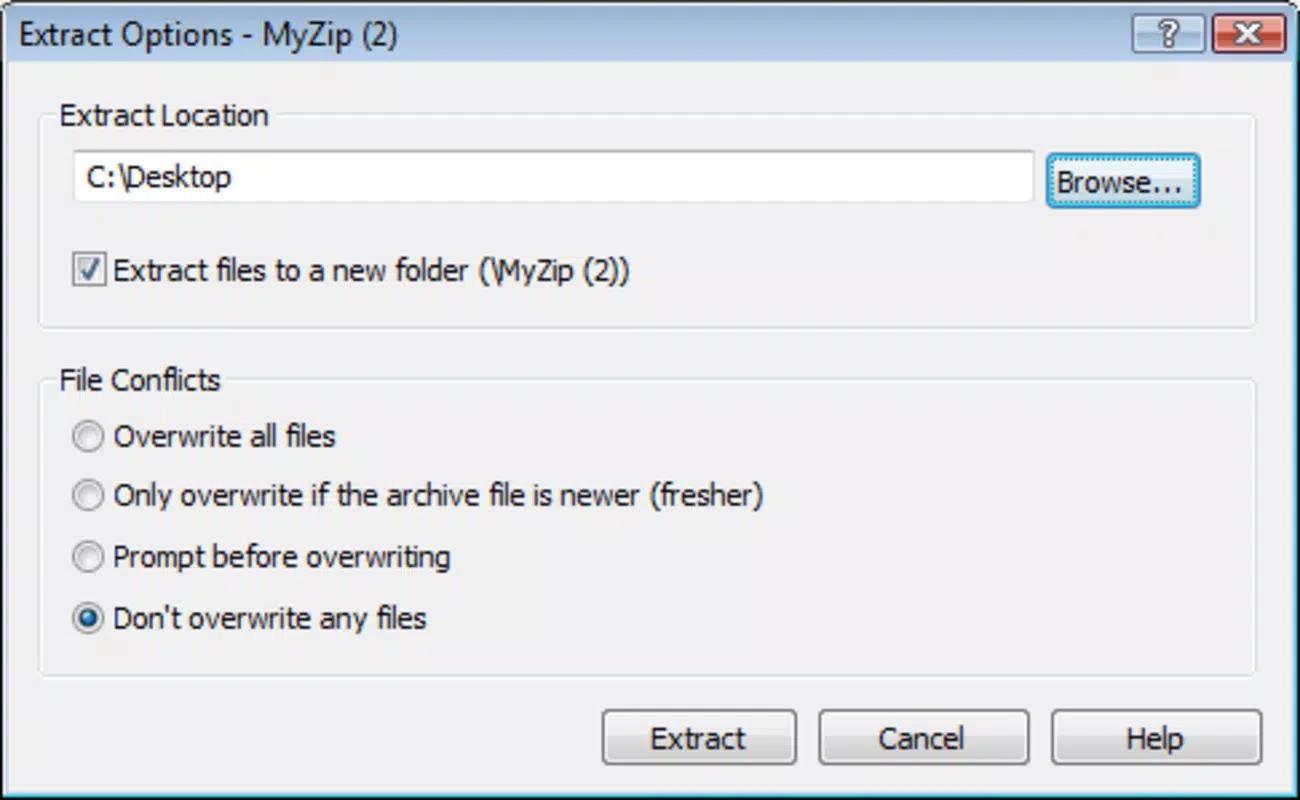
Yes, the app supports extraction of files from ZIP archives directly on your mobile device, allowing you to access and manage content within compressed folders.
Is the app compatible with iOS devices?
Currently, the app is only available for Android. No information was provided about iOS support or future plans for cross-platform availability.
How often are updates released for Express Zip Plus Edition?
The developer did not disclose the update frequency. The latest version, 7.12, was released on May 19, 2022.
Does Express Zip Plus Edition support formats other than ZIP?
The provided information does not specify support for file formats beyond ZIP. Users should assume functionality is focused on ZIP archives unless otherwise stated.
Final Thoughts + CTA
Express Zip Plus Edition delivers a focused, efficient solution for mobile file compression and management. Its clean interface, rapid processing, and reliable performance make it a valuable tool for anyone who regularly handles documents, media, or project files on Android. While the price may be a consideration for casual users, the app’s functionality justifies the cost for professionals and power users seeking a dependable utility.
It excels in simplifying file sharing, saving space, and organizing digital content—all essential tasks in today’s mobile-first environment. For those who prioritize speed, simplicity, and security in file handling, Express Zip Plus Edition stands out as a top-tier option. Download Express Zip Plus Edition now.


